Why Did AI Agents Become Necessary?
Large Language Models (LLMs) are very powerful, but on their own they don't finish tasks. They only give answers. When you put an LLM in a loop and let it use tools (search, code execution, APIs, the file system), it can reason about a goal, take steps, observe the results and change its approach. That is an AI agent.
The real challenge is orchestration. Handling one LLM call is easy. Running a chain of eight calls with different paths, retries, work delegated to sub-agents, state that survives a server crash and pauses for human approval is a serious engineering problem. LangGraph and CrewAI are two different answers to that same problem.
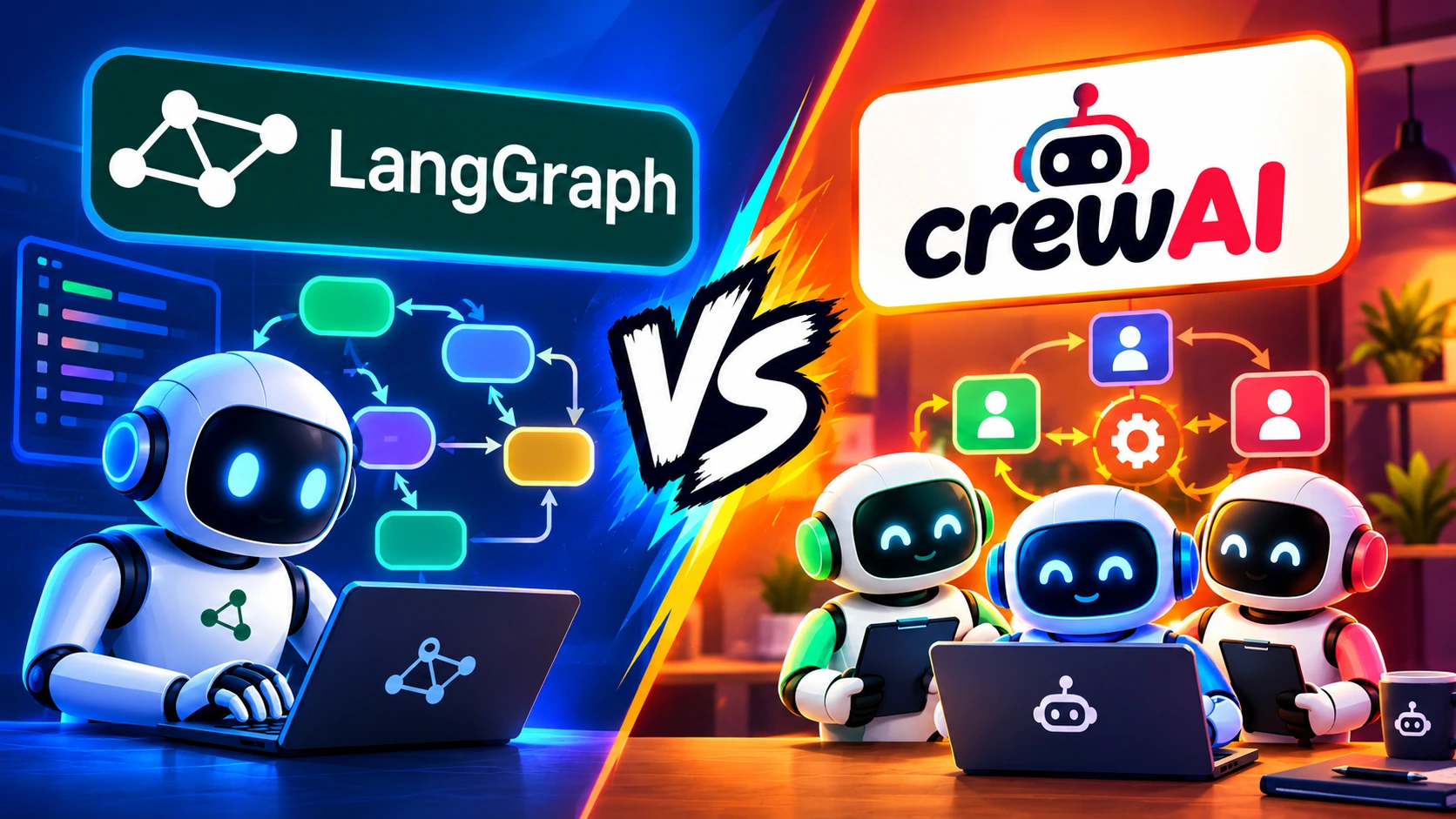
LangGraph: Full Control in the Developer's Hands
LangGraph was built by the LangChain team. It launched in January 2024 and reached version 1.0 in October 2025. It is a low-level, graph-based state machine framework where you control every node and every edge yourself. It builds on the LangChain ecosystem and offers features such as memory and state transitions.
Its main building blocks:
- Nodes: plain Python functions
- Edges: decide which step comes next
- State: raw data, not pre-formatted prompts
- Developer control: the entire execution flow is in your hands
It is built for projects where control over every decision and every possible state is essential. One thing to keep in mind: if you don't already use LangChain, its structure can feel a bit complex at first.
CrewAI: A Team of Specialist Agents
CrewAI was created by Brazilian engineer João Moura. In October 2023 he built a small agent system to automate LinkedIn outreach, which started bringing in 600 inbound leads a day. About a month later he open-sourced it.
Its core principle is Role-Based Agents. Each agent gets a Role, a Goal and a Backstory, such as Researcher, Writer, Editor and Reviewer. Tasks are then assigned to them, and the Crew gets them done in an organized way. In Moura's words, an agent that cannot make decisions and take action is just another script.
If your problem can be understood as the work of a team of specialists, CrewAI is the natural choice.
Setup and Learning Curve
CrewAI: ahead on Day 1
- Installs with
pip. - A working multi-agent system takes about 20 lines of Python.
- The CLI generates the initial project structure for you.
- YAML files let you keep prompts and configuration separate from execution logic.
- Developers can become productive in about a day.
LangGraph: ahead in the long run
- The steepest learning curve. Becoming fully productive can take one to two weeks.
- You will need to learn: graph theory basics, state schemas,
TypedDict, node functions, conditional edges and reducers. - A typical agent takes about 50 lines of code.
In return, LangGraph gives you an excellent debugging toolkit: LangGraph Studio (a visual view of graph execution), LangSmith (tracing of every LLM call) and Time Travel Debugging (going back to an earlier state and re-running from there). This saves developers a lot of time.
Performance Comparison
LangGraph
In one published benchmark, running the same five-agent workflow 100 times, LangGraph was more than twice as fast as CrewAI. The graph is compiled before execution, which reduces runtime overhead. It can also save tokens by passing only the necessary state changes instead of sending the full conversation history. In addition, the Super Step Execution Model enables parallel processing, and clear Durability Modes let you decide how robust crash recovery should be.
CrewAI
It prioritizes developer productivity over runtime speed. Getting from an idea to a working prototype can take about 40% less time than with LangGraph. But its event-driven architecture adds a little overhead, and its memory system may make extra LLM calls for analysis and scoring. So development will be faster, but you need to check runtime and token cost separately.
What Is Each Tool's Real Strength?
LangGraph: Durable Execution
It lets you pause a complex workflow, save its state and resume from exactly where it stopped. State can be kept in a checkpoint store such as SQLite, PostgreSQL or MongoDB, so a workflow can continue even while waiting for human approval or after a server crash.
CrewAI: Role-Based System
Assigning a role like "Senior Researcher" can feel more intuitive than defining graph nodes by hand. CrewAI Flows provide event-driven execution, and its unified memory system handles short-term, long-term and entity memory through a single API.
Pricing: Which One Is Cheaper?
Both are open-source tools under the MIT license, and their core versions are free. The cost in production comes from infrastructure, APIs and managed services.
| LangGraph | CrewAI | |
|---|---|---|
| Core | Free | Free |
| Managed / Paid | LangSmith: from $39 per seat per month, plus usage-based charges | AMP: from $25 per month for 100 executions |
| Enterprise | Up to $70,000+ per year | Up to $60,000 per year |
Keep in mind that in multi-agent workflows the agents talk to each other, which can increase token spend. So don't decide on license price alone. Add model API costs, servers, monitoring, security and maintenance to the total cost.
Not One, but Both: How Smart Teams Do It
Experienced teams often don't stick to a single tool. They use both at different stages: CrewAI to test an idea quickly and build a prototype, and LangGraph once the system gets complex and every step needs tight control.
MCP: The Link Between Both
MCP (Model Context Protocol) gives AI applications a standard way to work with external tools. CrewAI has added support for it, and LangGraph can use it through toolkit integrations. If a tool is available as an MCP server, connecting it across different frameworks can become easier.
This doesn't mean the frameworks can replace one another. But in the future, the real competition may end not with a single winner but with protocols that let different tools work together.
Final Verdict
LangGraph and CrewAI are not direct rivals but complementary tools working at different levels of abstraction.
- CrewAI: for fast prototypes with a team of specialist agents.
- LangGraph: for fine-grained control over complex, stateful, production-grade workflows.
In 2026 the real skill is not picking one framework, but understanding which tool suits which problem and how to use them together.
This article is for general information. Prices, benchmarks and features change over time, so check the official documentation of both frameworks before making a decision.